










Spiky Smart Ai Video & Voice Calling Smartwatch for Kids

FREE SHIPPING
Secure Payment
COD
1 Year Warranty

Spiky Smart Ai Video & Voice Calling Smartwatch for Kids

Rs. 6,249
Rs. 12,600
Tax Included.
Free Shipping
Secure payment
COD
1 Year Warranty
Features
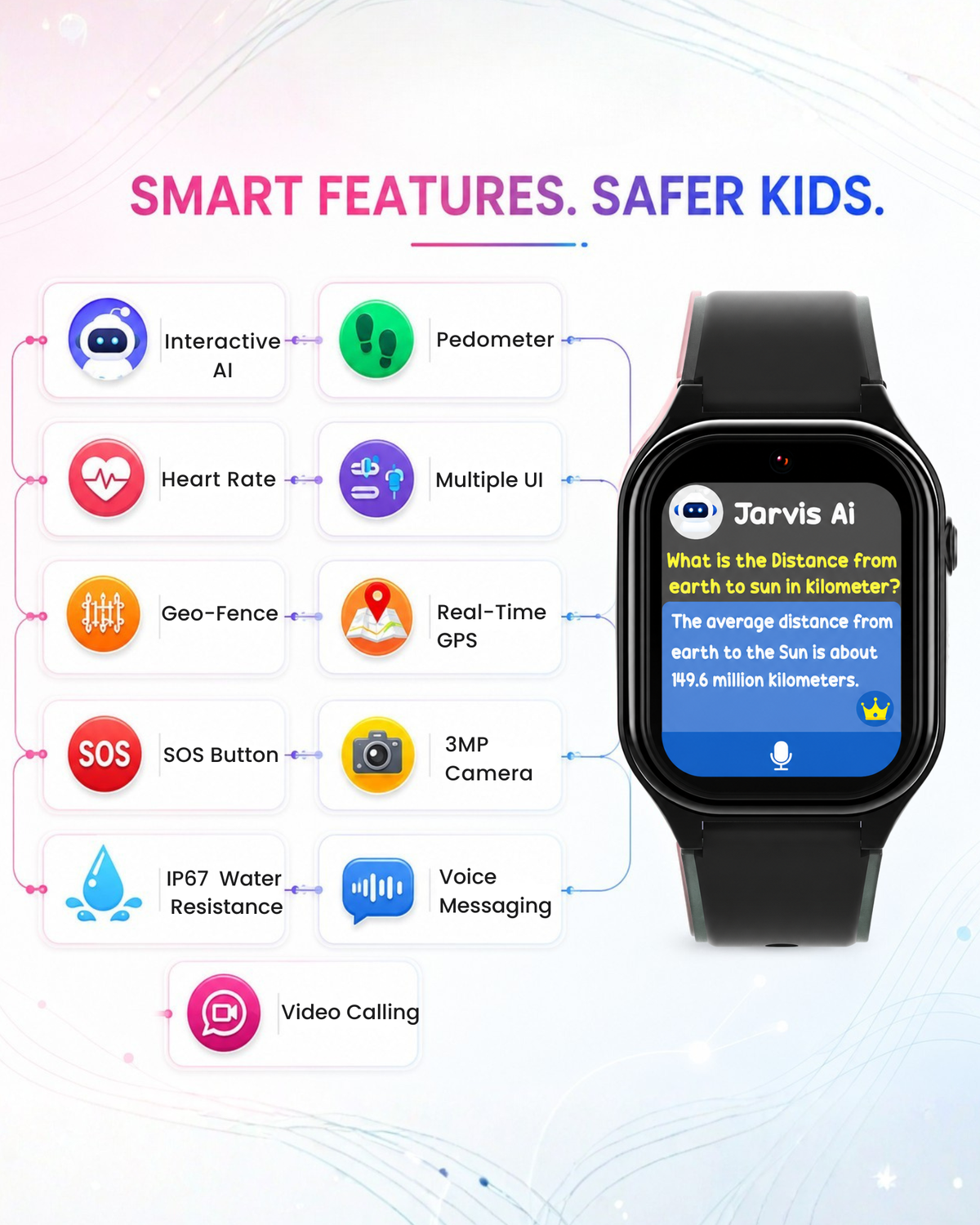
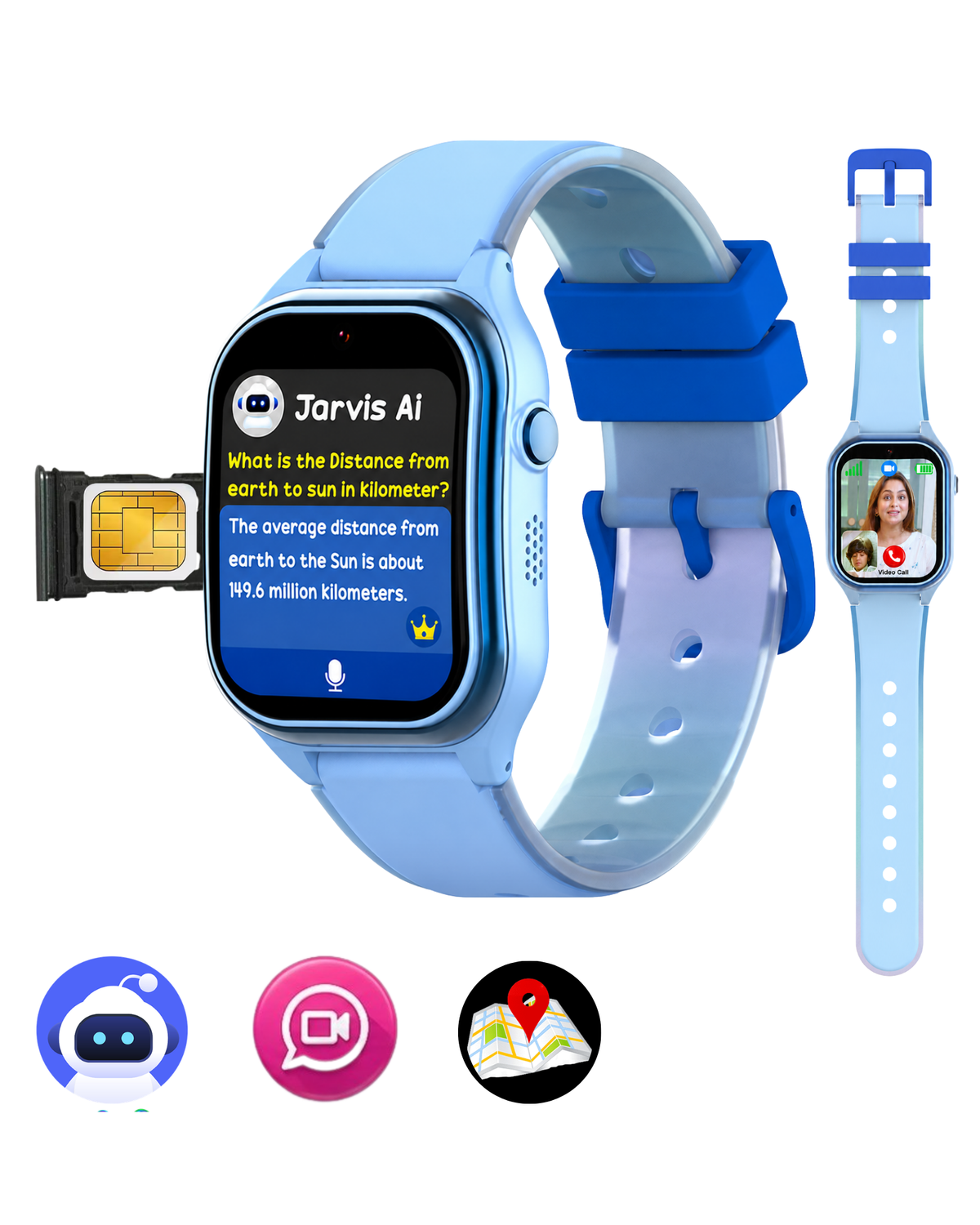
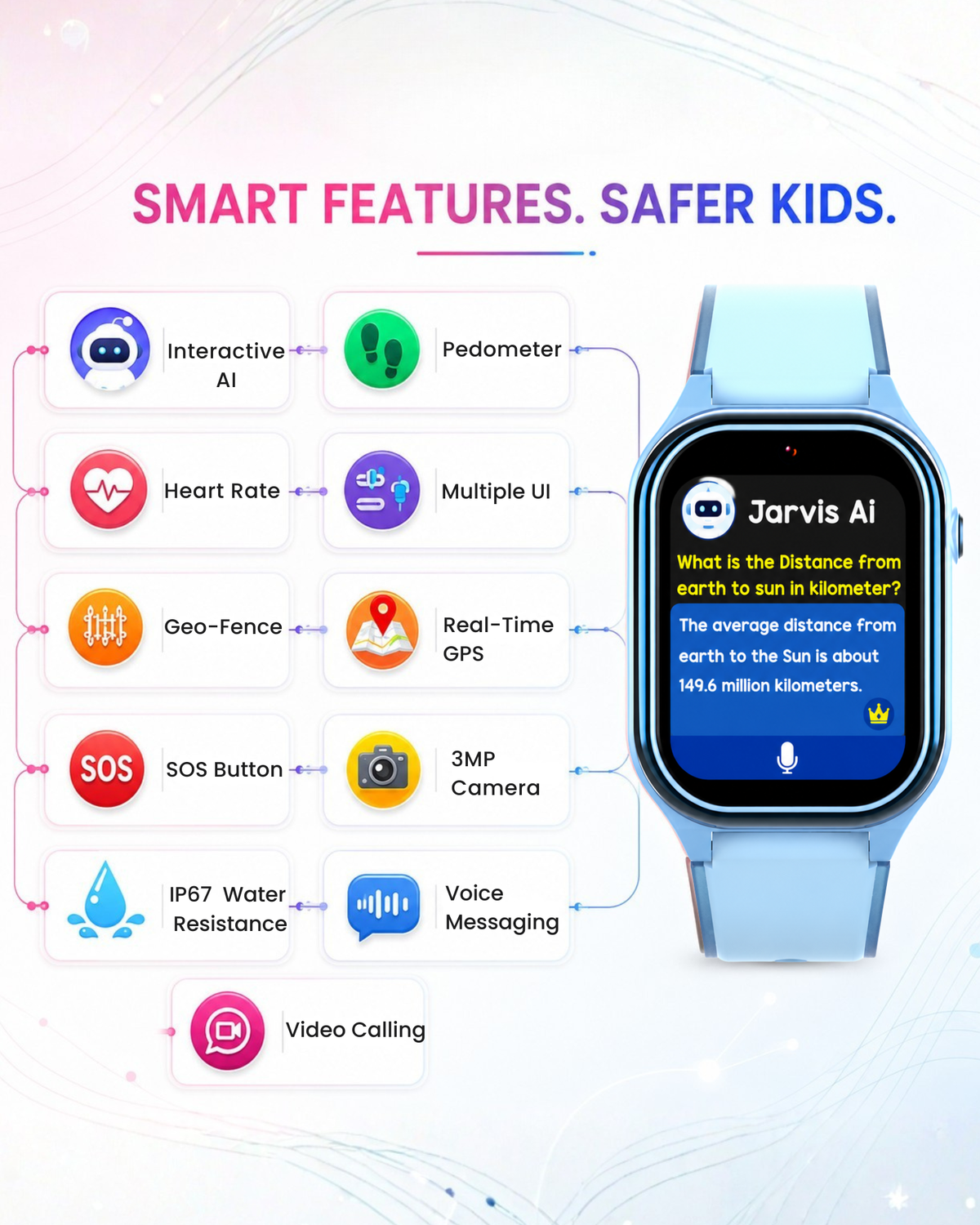
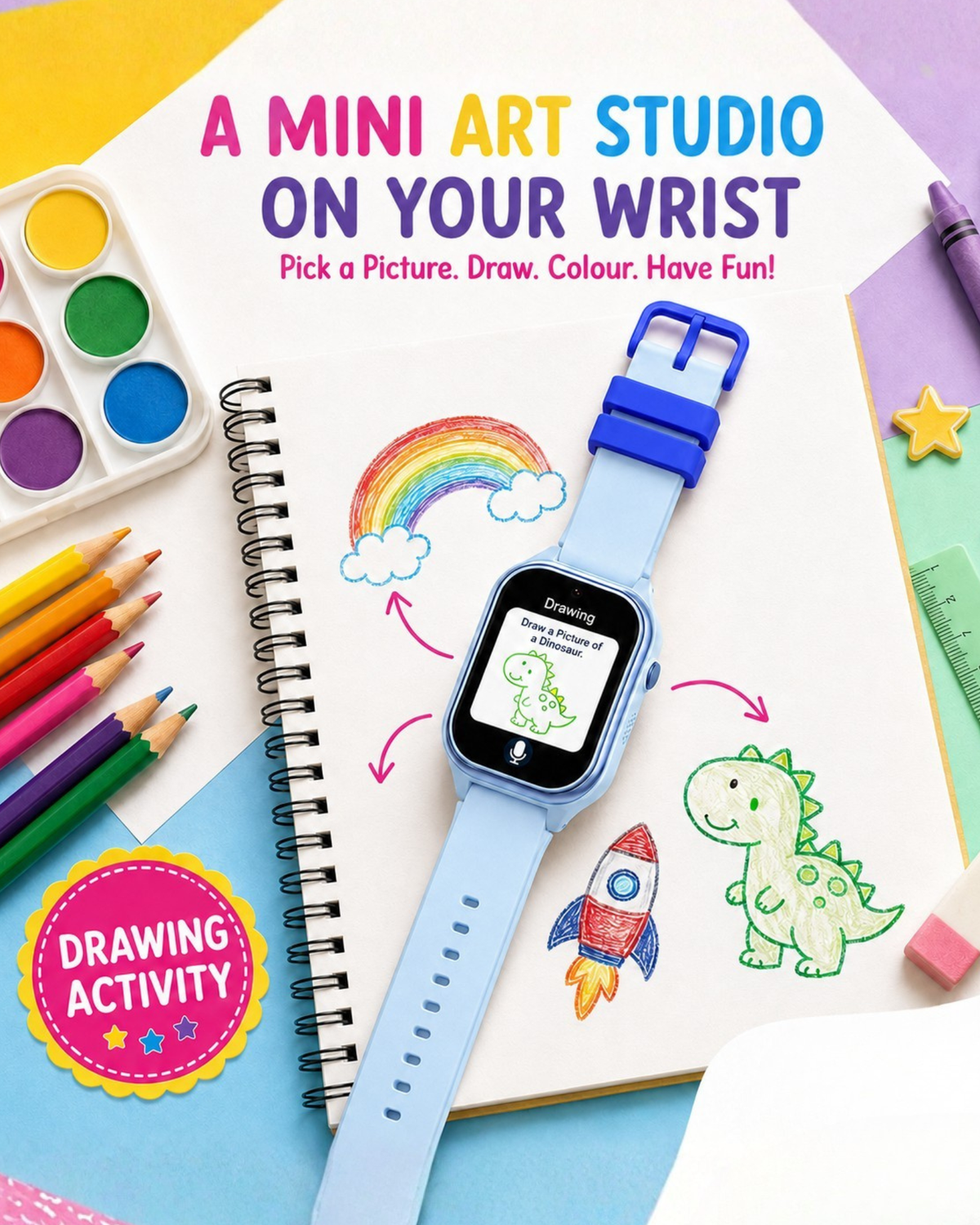
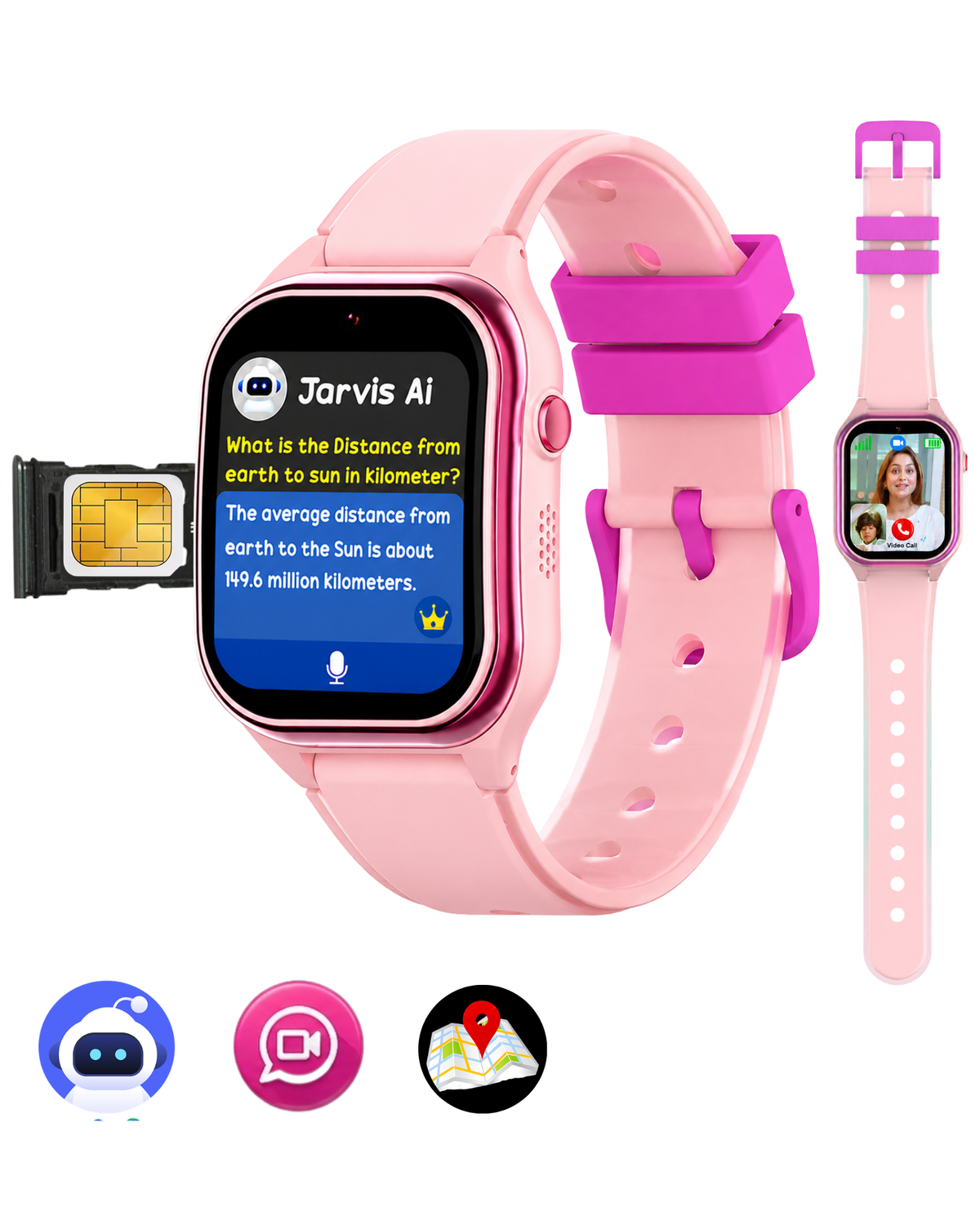
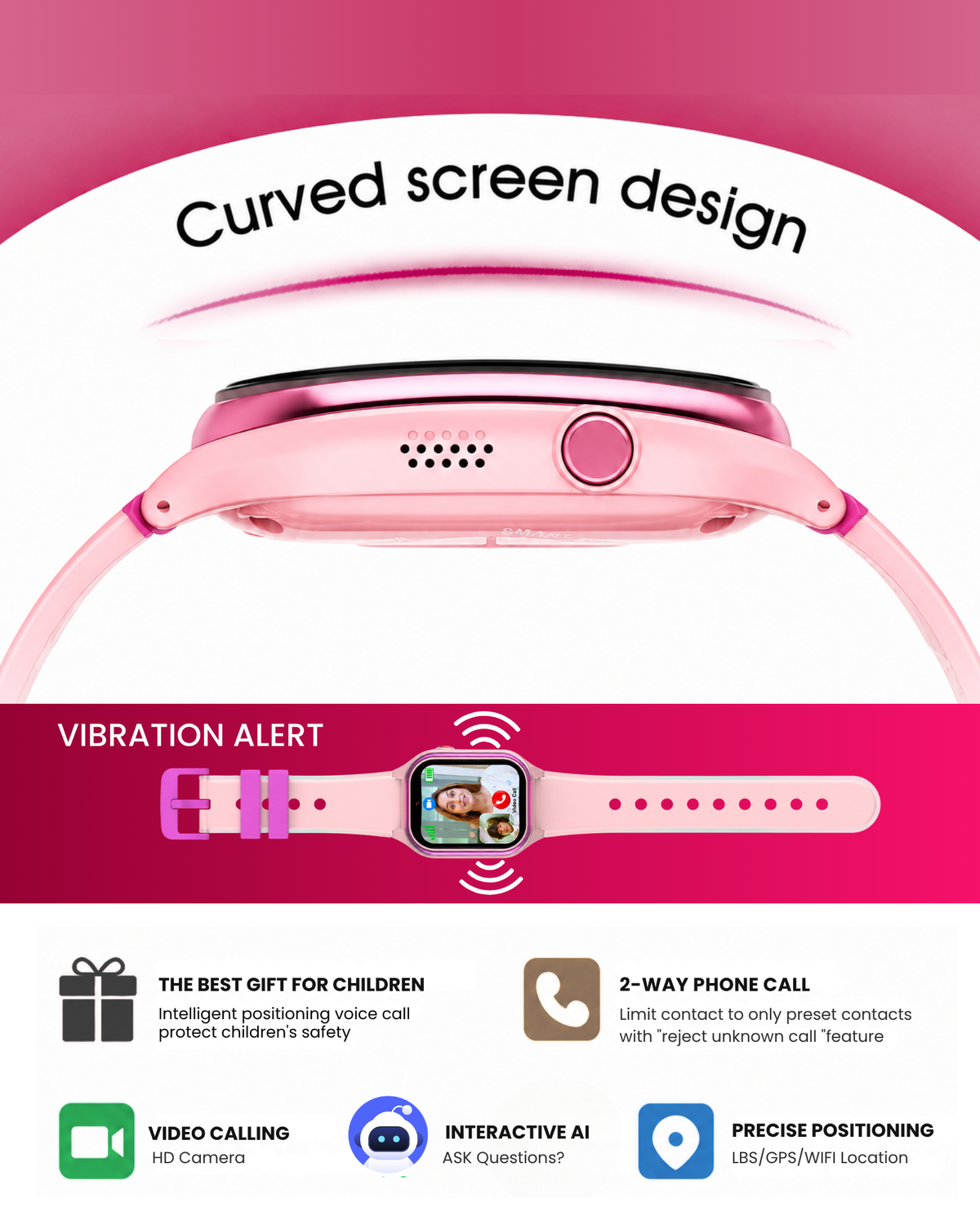
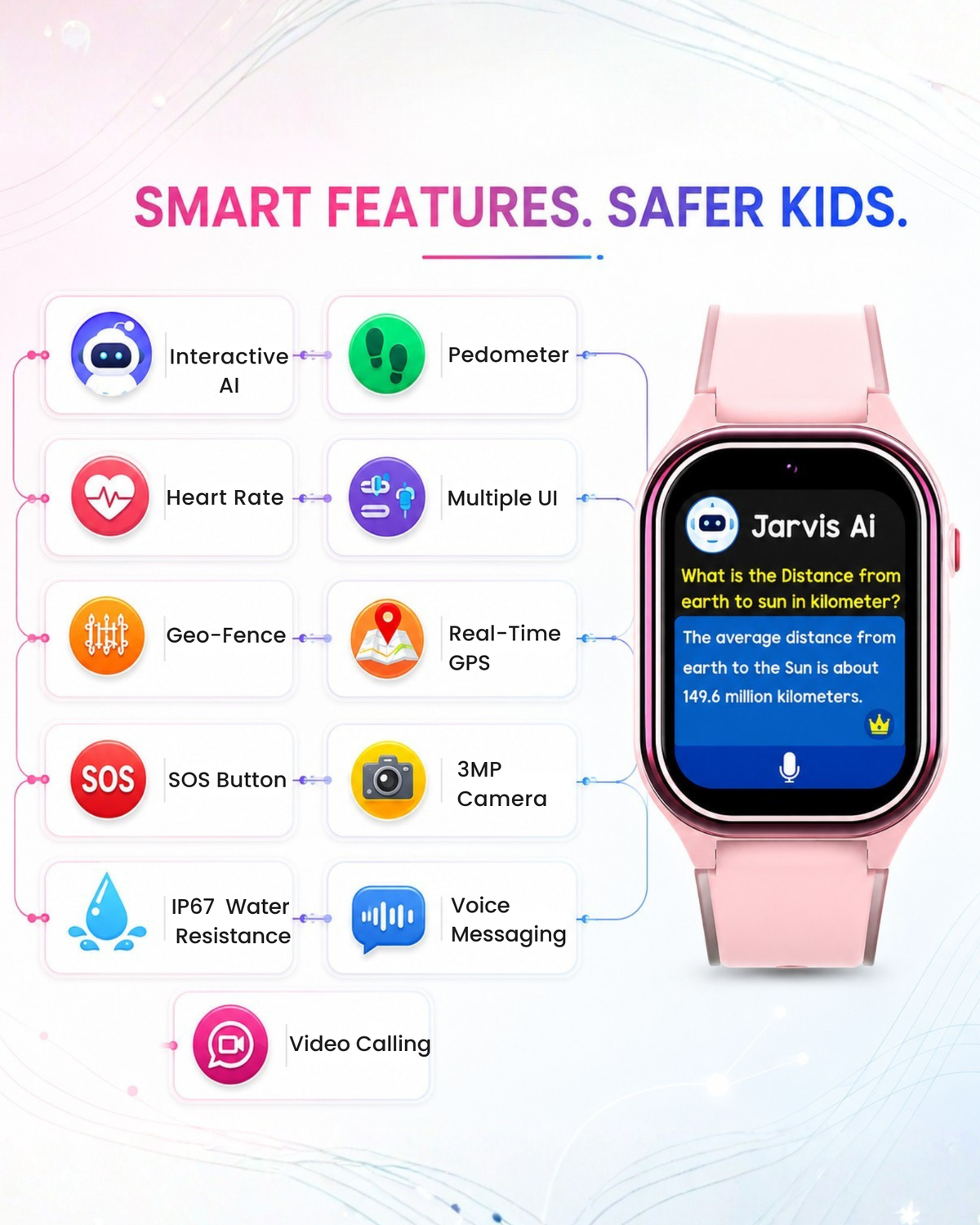
  • 🤖 AI Smart Assistant – Kid-friendly AI for learning, questions, and everyday help.
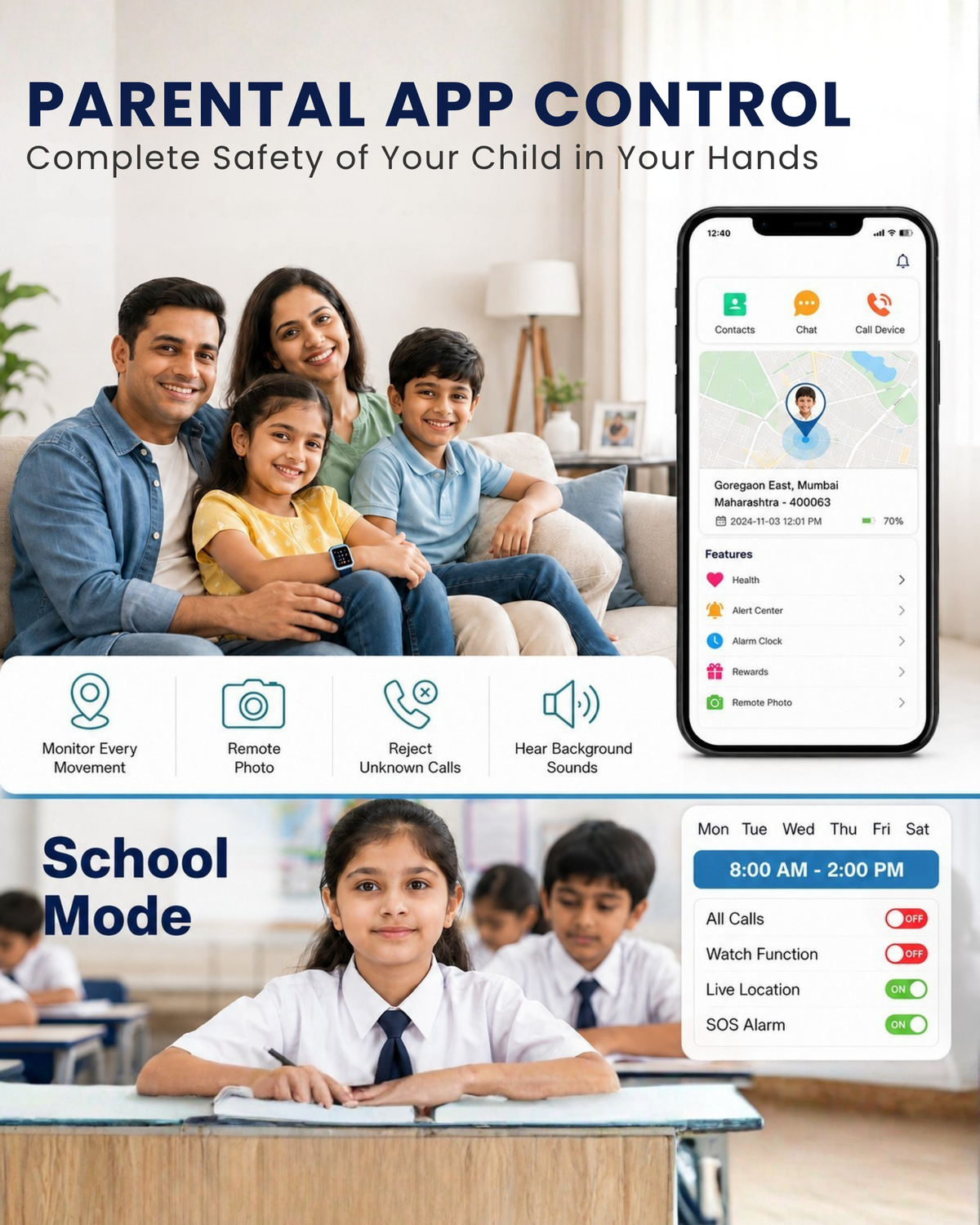
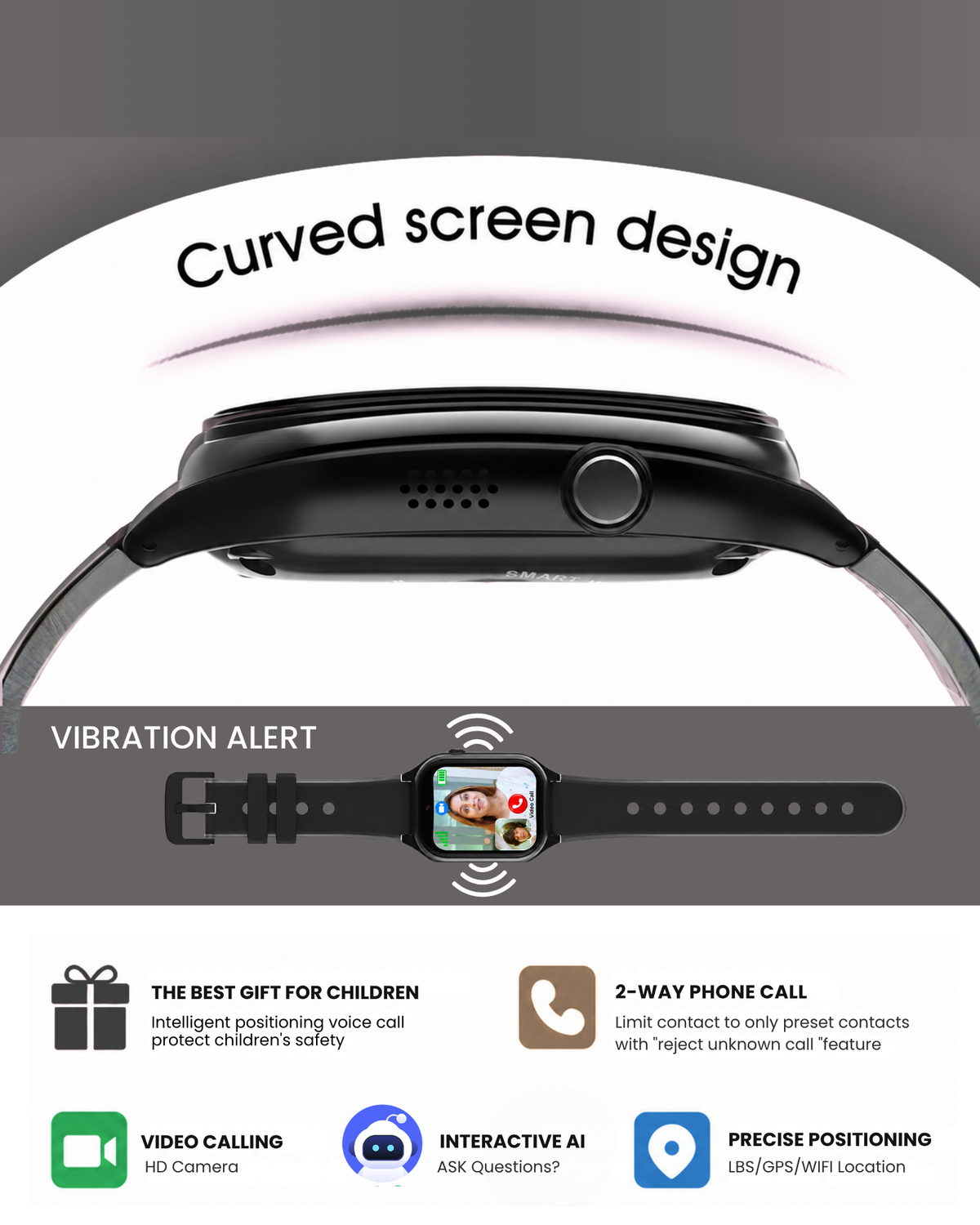
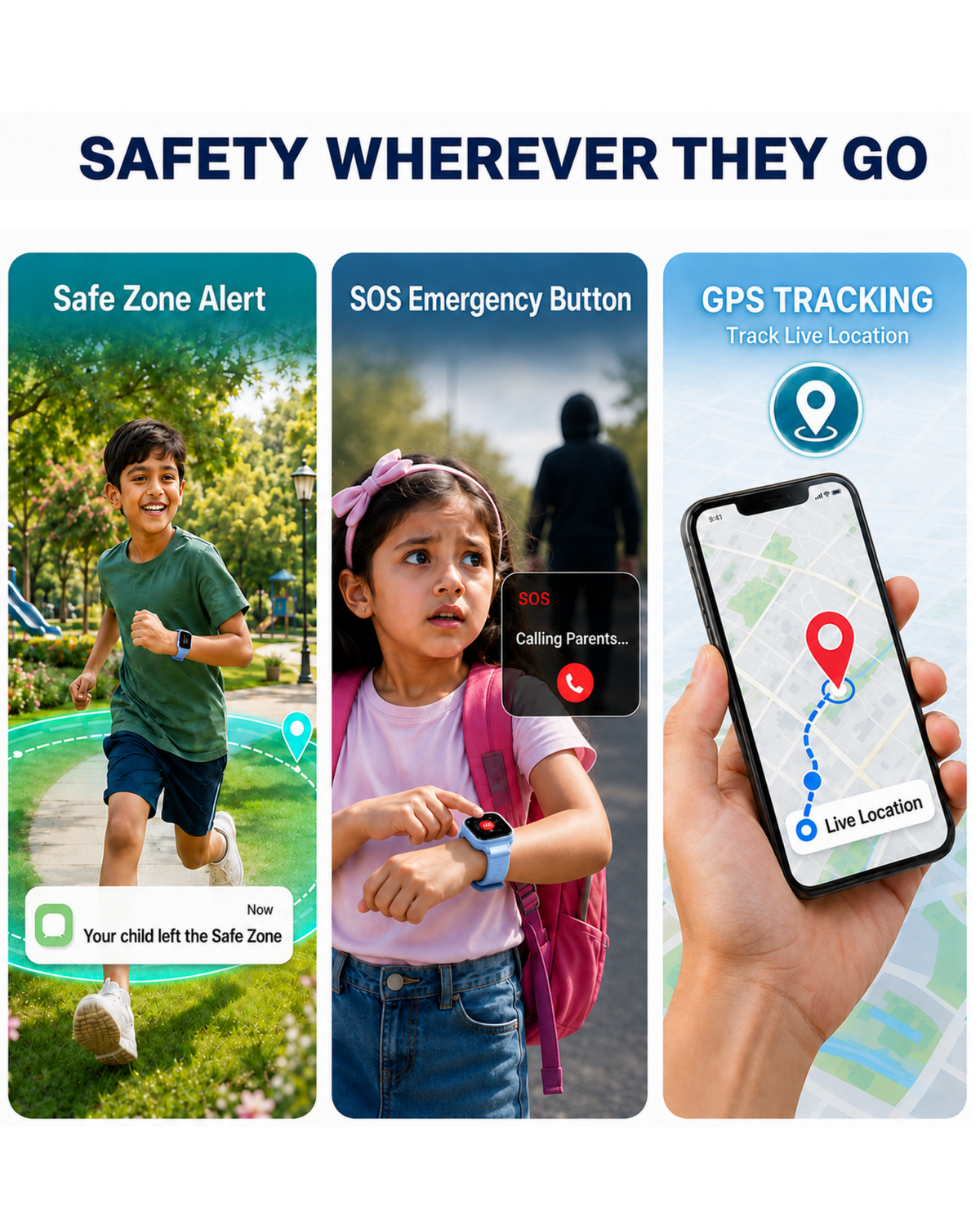
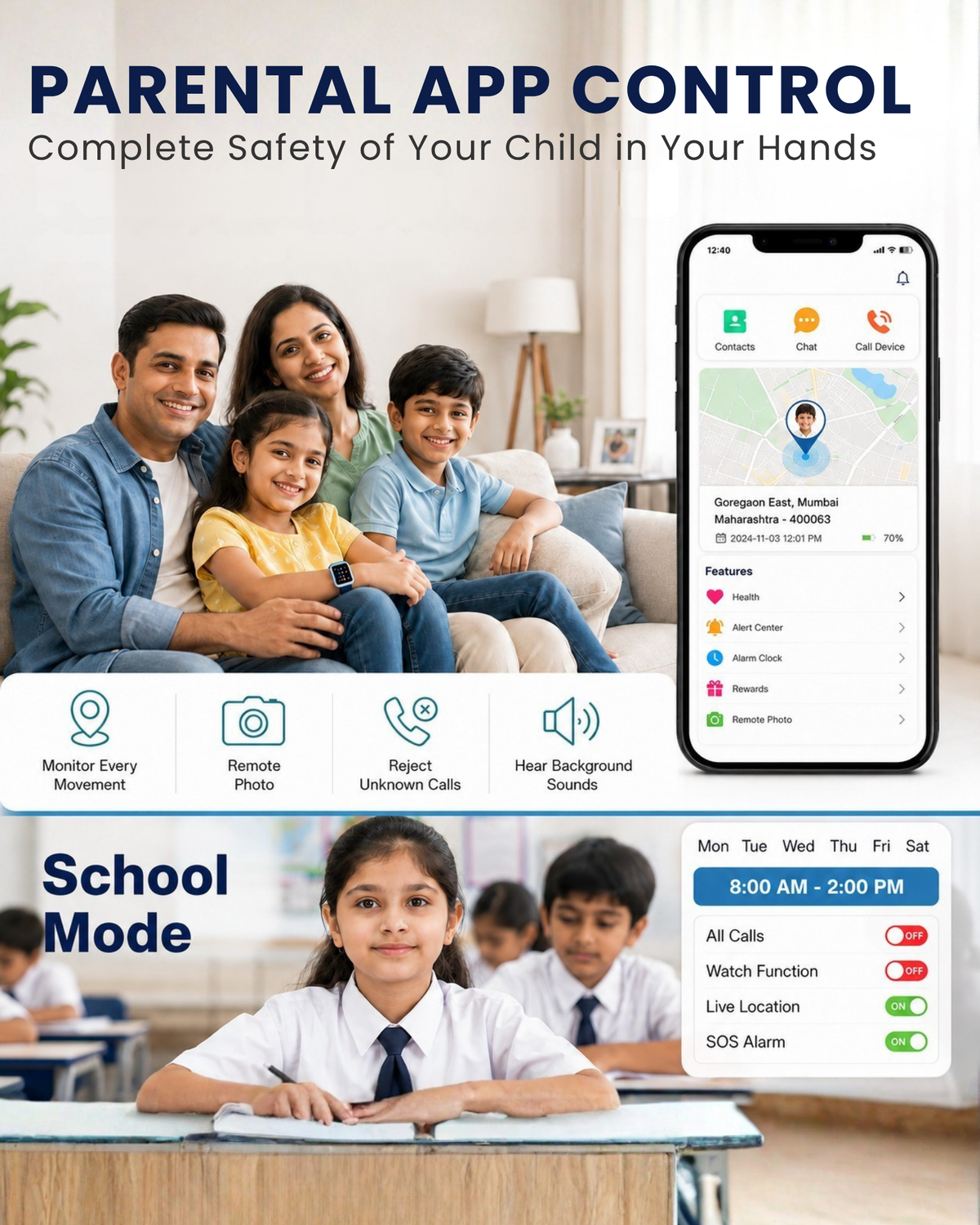
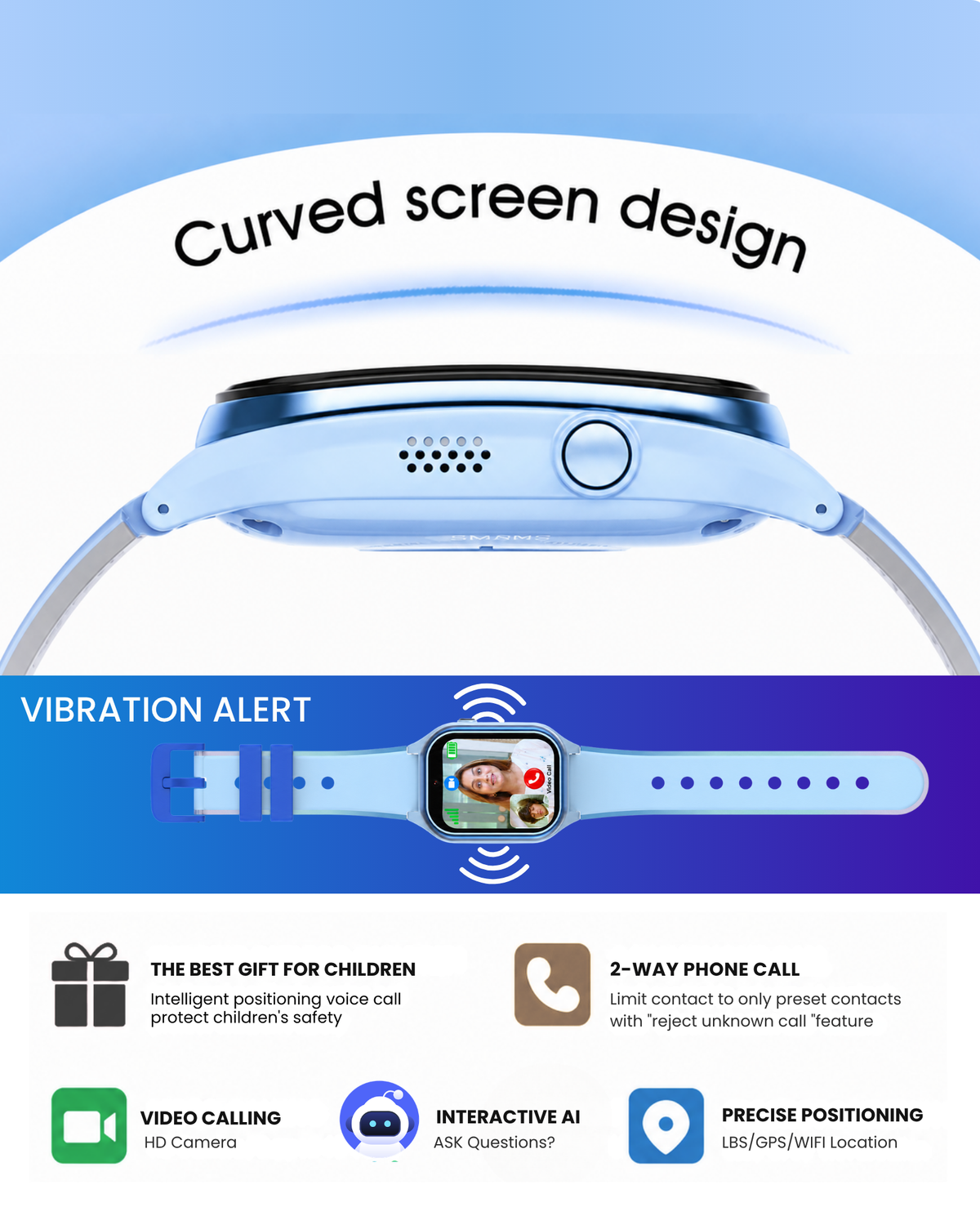
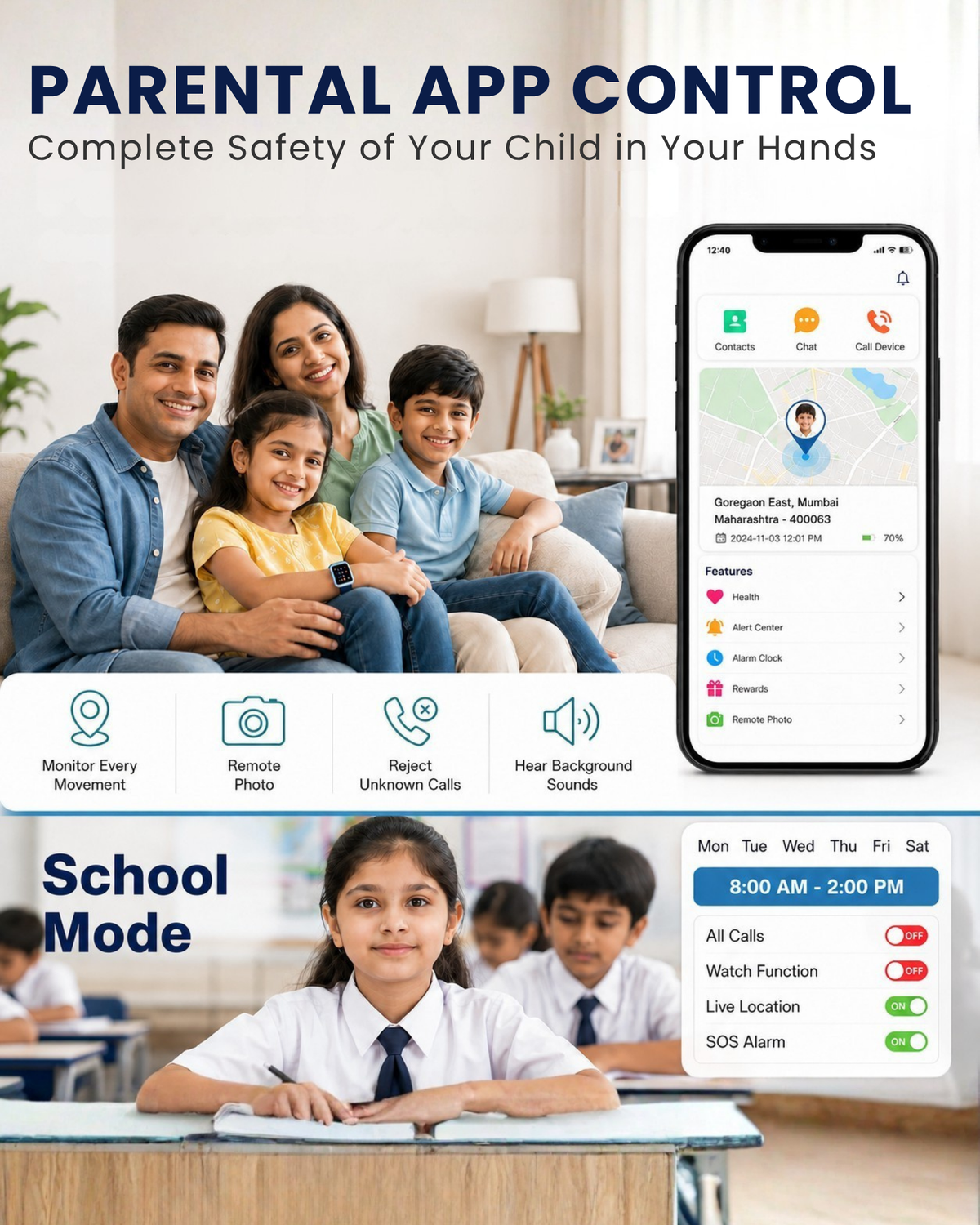
  • 📍 Real-Time GPS Tracking – Parents can check the child’s location.
  • 🆘 SOS Emergency Button – Quick emergency alert to parents.
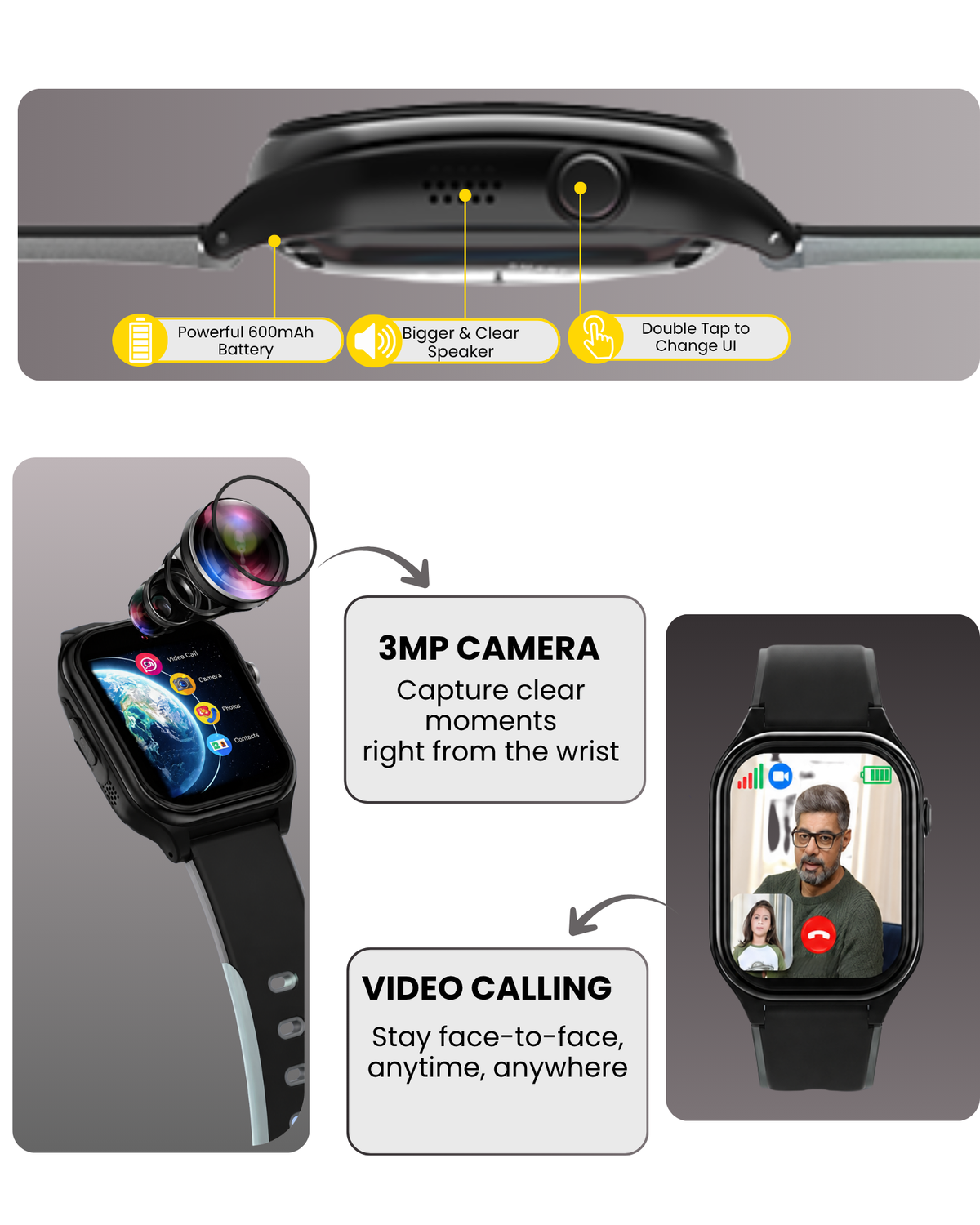
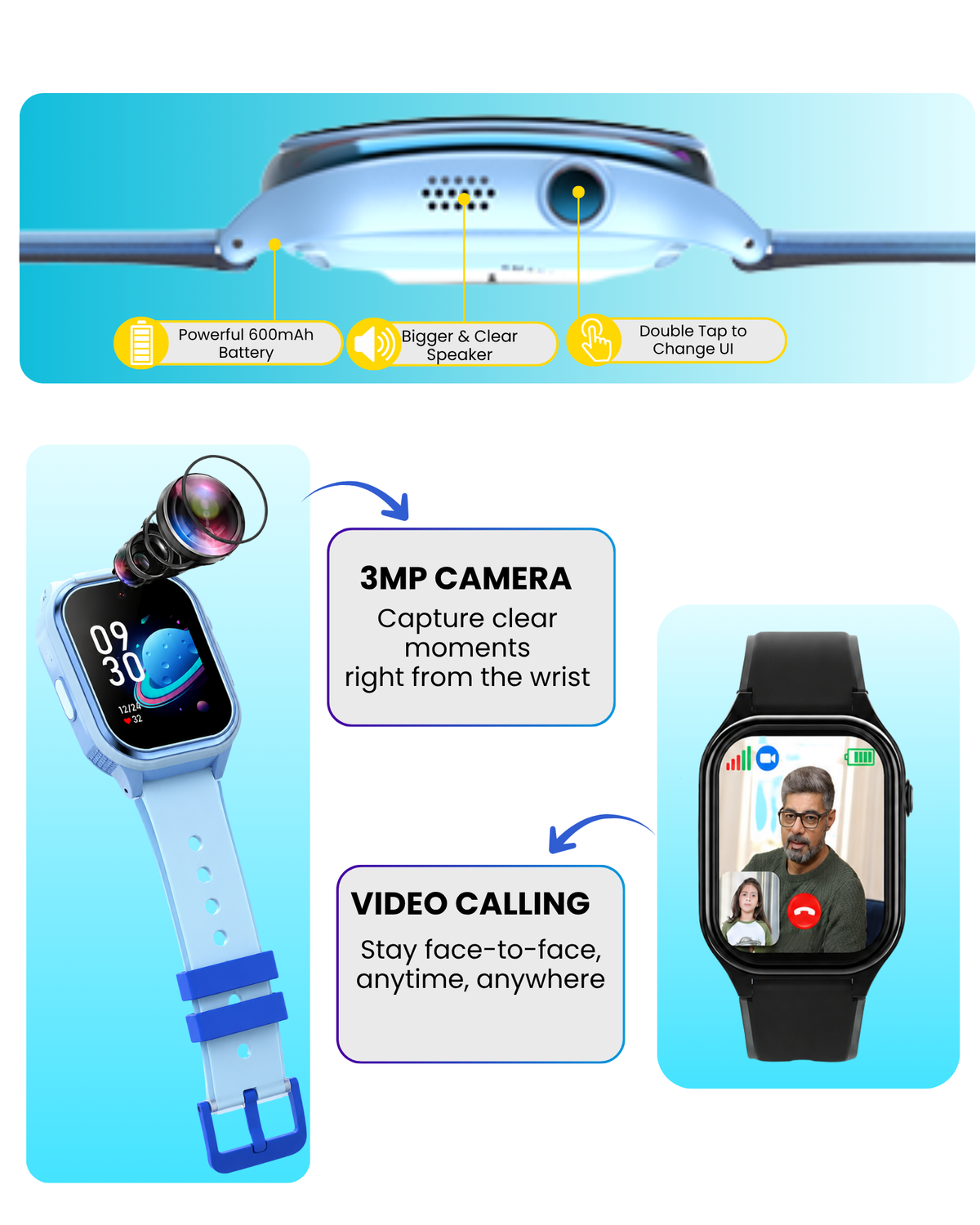
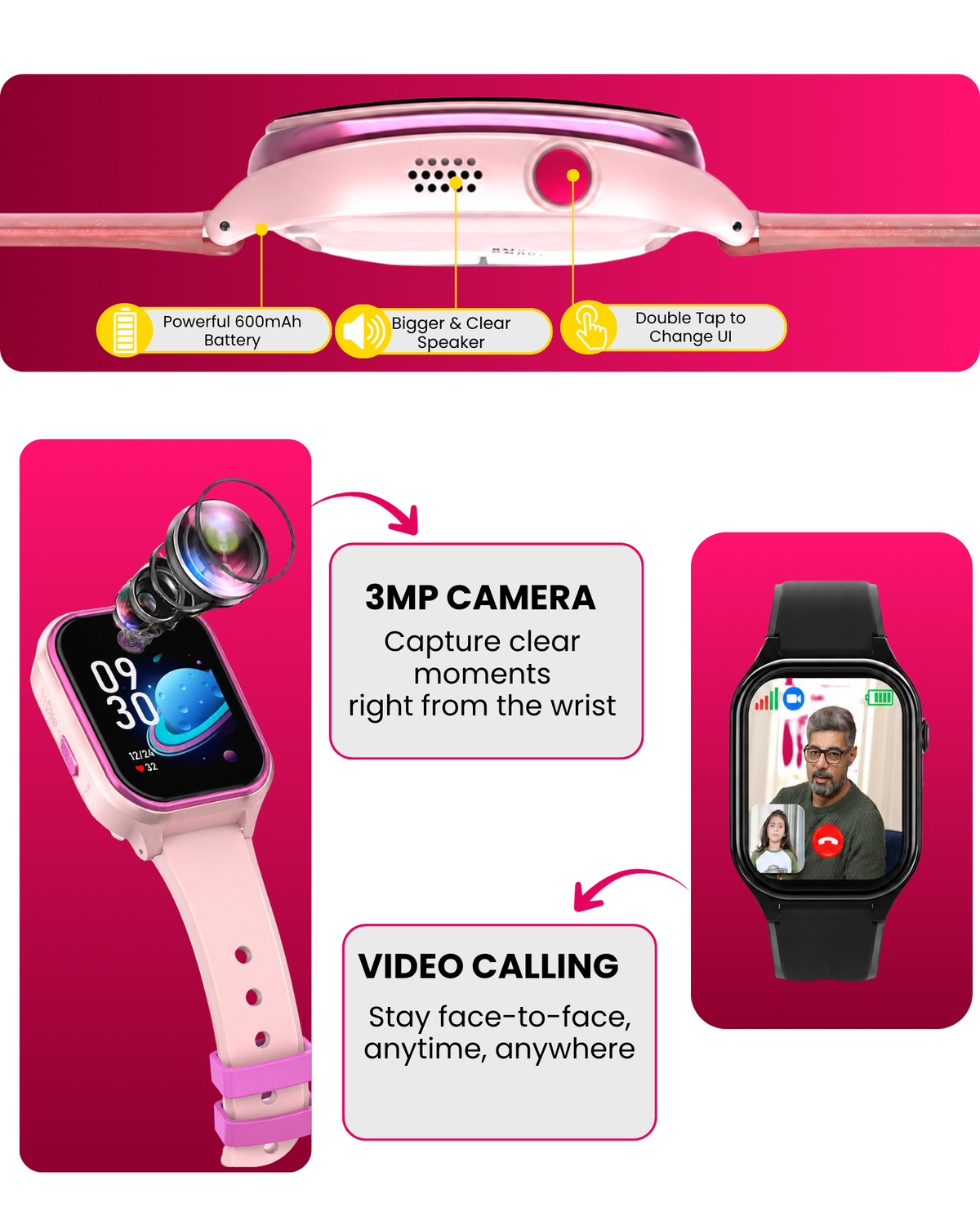
  • 📞 Voice & Video Calling – Stay connected without a smartphone.
  • 🛡️ Parental Control – Manage contacts, features, and watch settings from the parent app.
  • 🏫 School Mode – Reduces distractions during school hours.
  • 🗺️ Safe Zone / Geo-Fencing – Alerts parents when the child leaves a defined area.
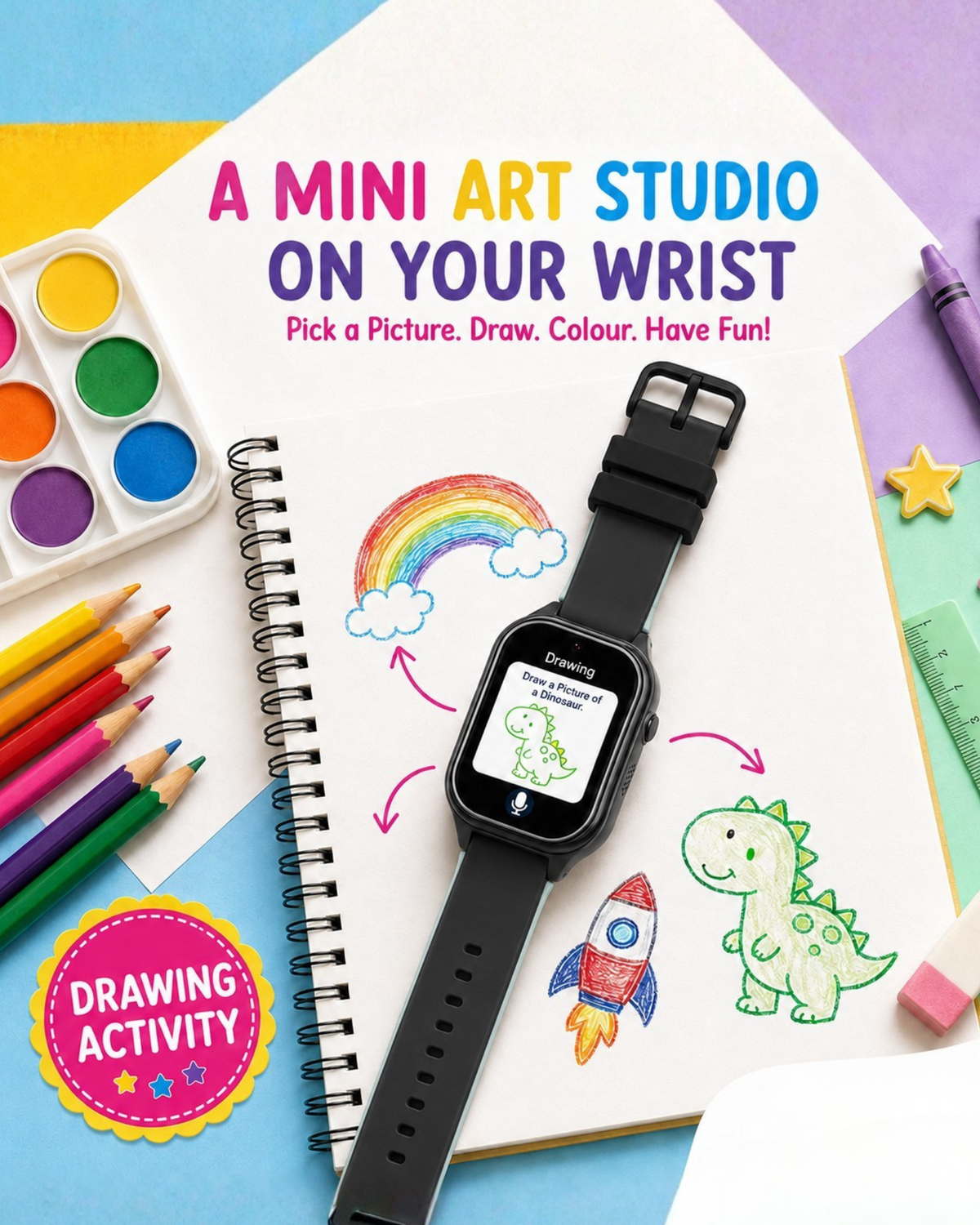
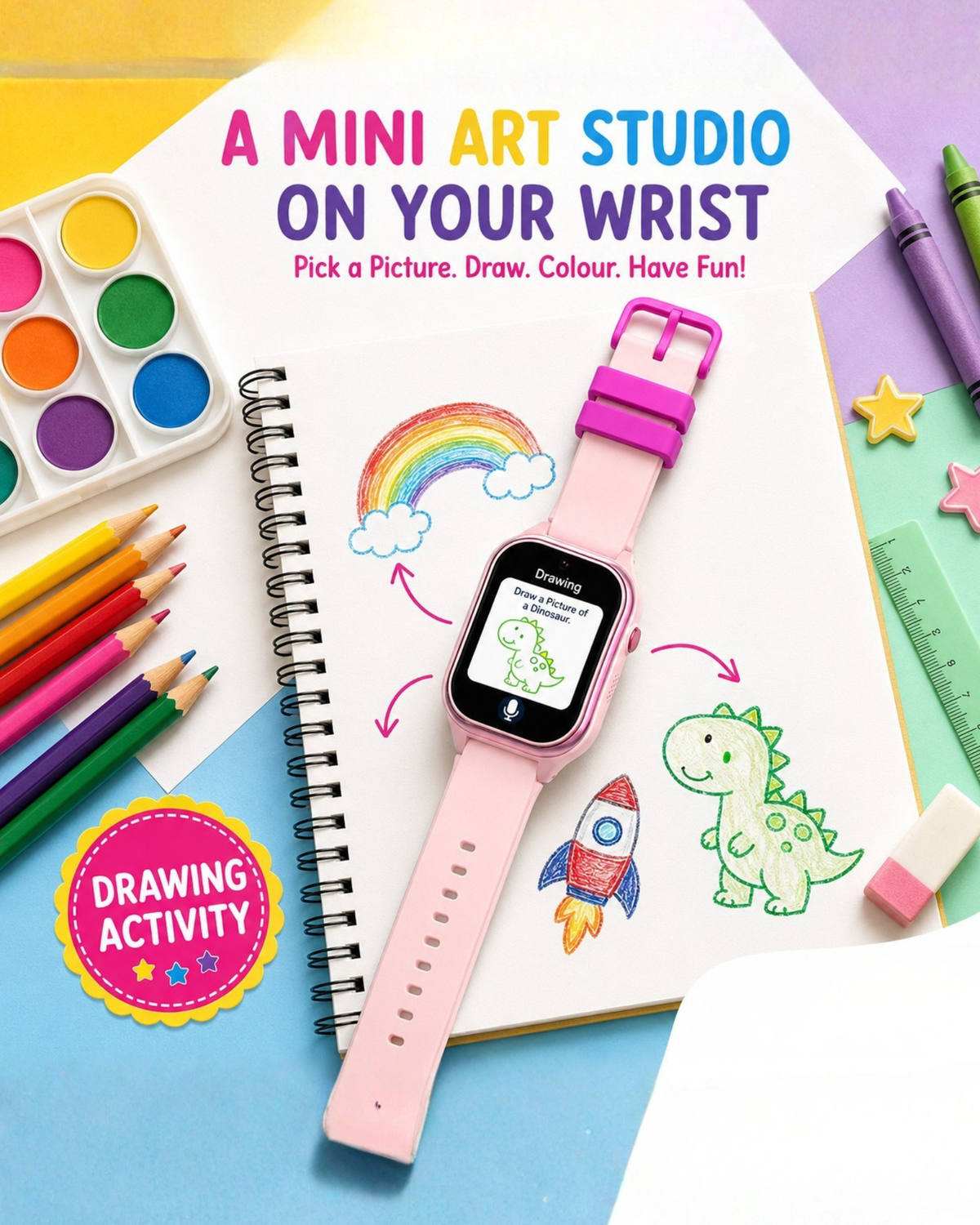
  • 📚 AI Learning Coach – Fun, interactive support for study and learning.
  • ❤️ Health & Activity Tracking – Steps and selected health/activity metrics.
  • 📷 Built-in Camera – Photos and video calling.
  • 🔒 Safe Communication – Parents can control approved contacts.
  • 💧 Kid-Friendly & Durable Design – Designed for active children.
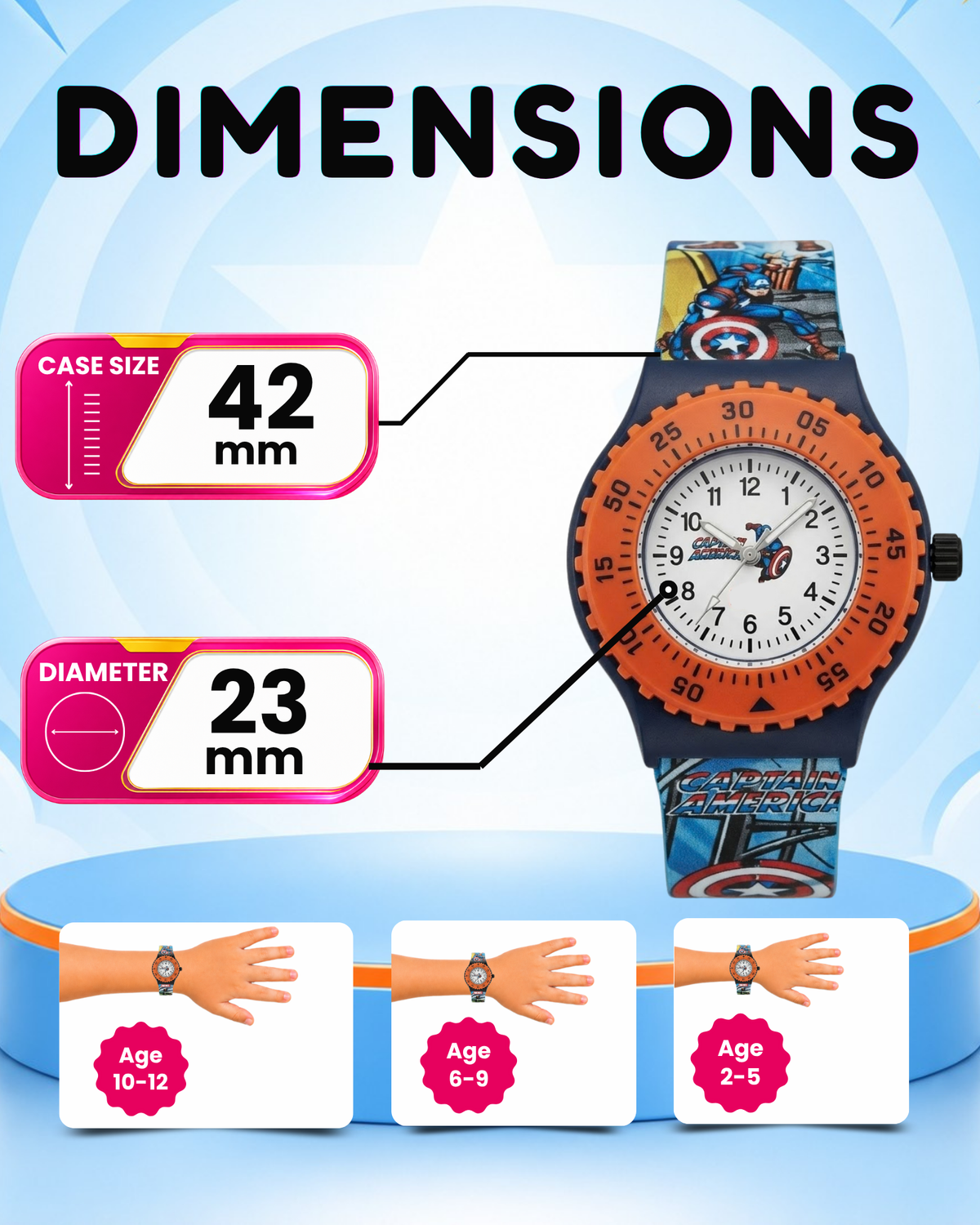
  • Suitable for 4 to 14 Years - Smart choice for smart kids
Specifications

Brand - Spiky
Age - 4 to 14 Years
Type - Smartwatch
Case Material - Plastic & Metal
Dial Material - HD Glass
Strap Material - Silicone

Replacement Policy

12 months' warranty on all products. In case of product issues, get back to our customer service team for the troubleshooting help and follow their advice to claim warranty. No refund policy.

Service and Support
For more details or other service related queries, call the Spiky India number or Whatsapp at +91 89268885684 between 10am to 7pm on any day of the week, or e-mail at winkmyn@gmail.com
Warranty

1-year warranty on manufacturing defects. How to avail of a warranty? To avail of the warranty, share only your original invoice and video of a problem with the Spiky customer care team for claiming the warranty.

Box Contains

Smartwatch, Warranty Card, User Manual, SIM Tray Injector, Magical Stickers

Have a Question? Look here

  1. Pull the crown (side knob) out gently.
  2. Rotate the crown to adjust the time.
  3. Push the crown back in to start the watch.

Place the watch under bright light for about 1-2 minutes. In the dark, the watch hands or dial will glow faintly.

If your watch has a light button, press it to activate a backlight that stays on for a few seconds.

⏱️ Digital Watch Setup

  1. Press and hold the Mode button until the time digits flash.
  2. Use the Adjust or Set button to change the values.
  3. Press Mode to switch between hour, minute, second, date, and day settings.
  4. Once finished, press Mode again to save and exit.’
  5. Refer to the Youtube video https://www.youtube.com/watch?v=d3u-S4uWJIo